 merf
merfGood things,
within reach.
A useful note. A reference image. That file you always need. Merf keeps them a keyboard shortcut away, in a quiet drawer at the edge of your Mac.
Coming soon to the Mac App StoreFor macOS 13 and later · No account required
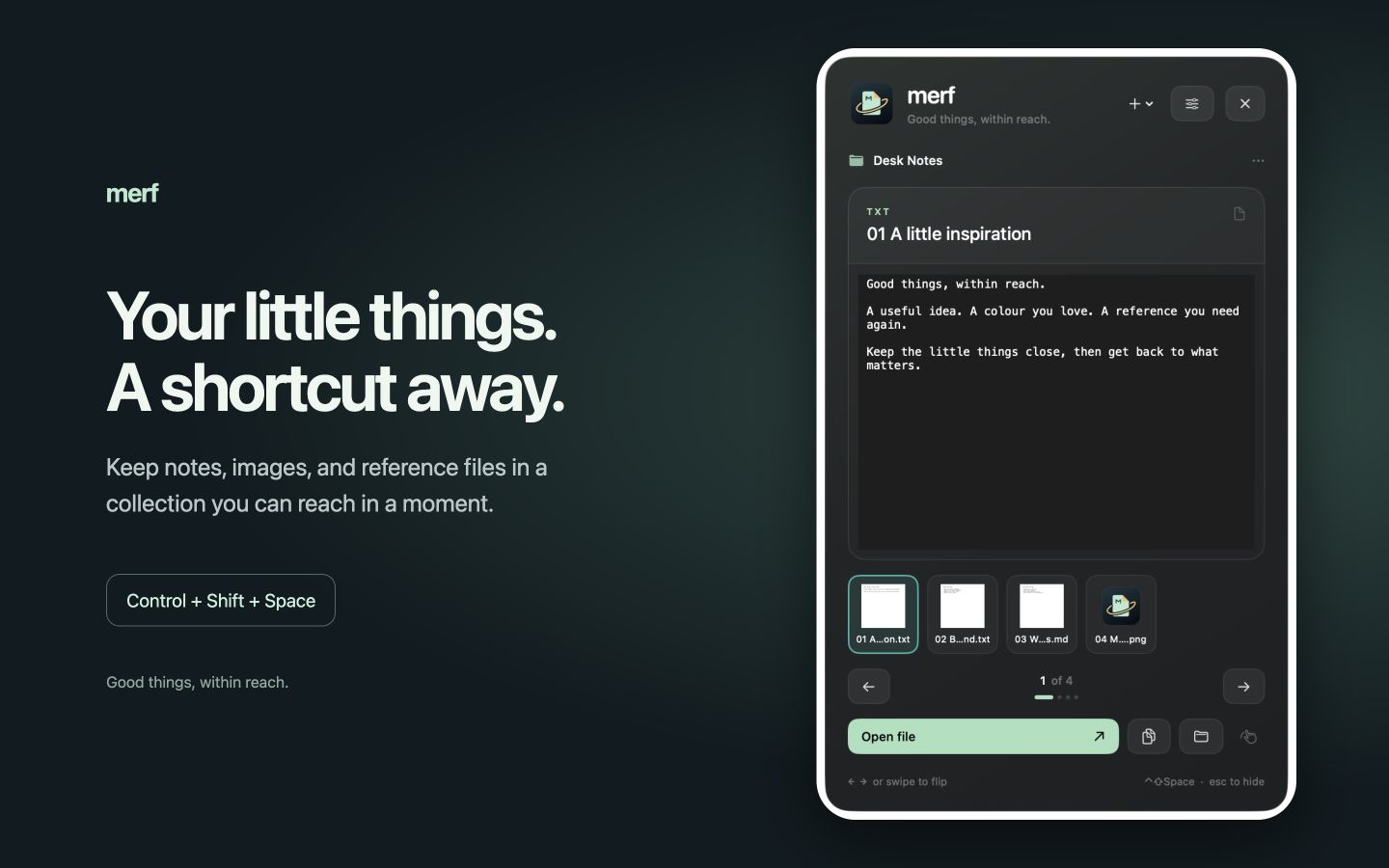
A shortcut to your collection.
Choose a folder and bring it into view with Control–Shift–Space. Browse thumbnails, flip between scraps, and open or drag a file wherever you need it. Make the shortcut and screen edge your own.
Catch a thought.
Keep your flow.
Press Command–N to write a note. Capture copied text or images, send a selection through macOS Services, or drop a file onto Merf’s menu bar icon.

Your files. Your folder.
Your scraps stay ordinary files in the folder you choose. No Merf account, advertising, or analytics. Version 1.0 is for Mac, with no built-in cross-device sync.
Get to know Merf →